15 seconds · 1–3 photos · 16:9 HD

Gangnam Style AI Video Generator

Create a 15-second Gangnam Style AI video with adults, pets or plush toys. Center is required; optional Left and Right photos can control the side roles.

Gangnam Style AI Generator

Put your trio into the dance

Add adults, pets or plush toys directly to any role. Center is required; empty side positions use preset adults.

1. Add your subjects

Choose an adult, pet or plush toy for each role. Center is required; Left and Right are optional.

2. Pick a background

Choose Seoul, one of four funny scene presets, or describe your own setting.

Gangnam Style AI Video Example: Three Photos to One Video

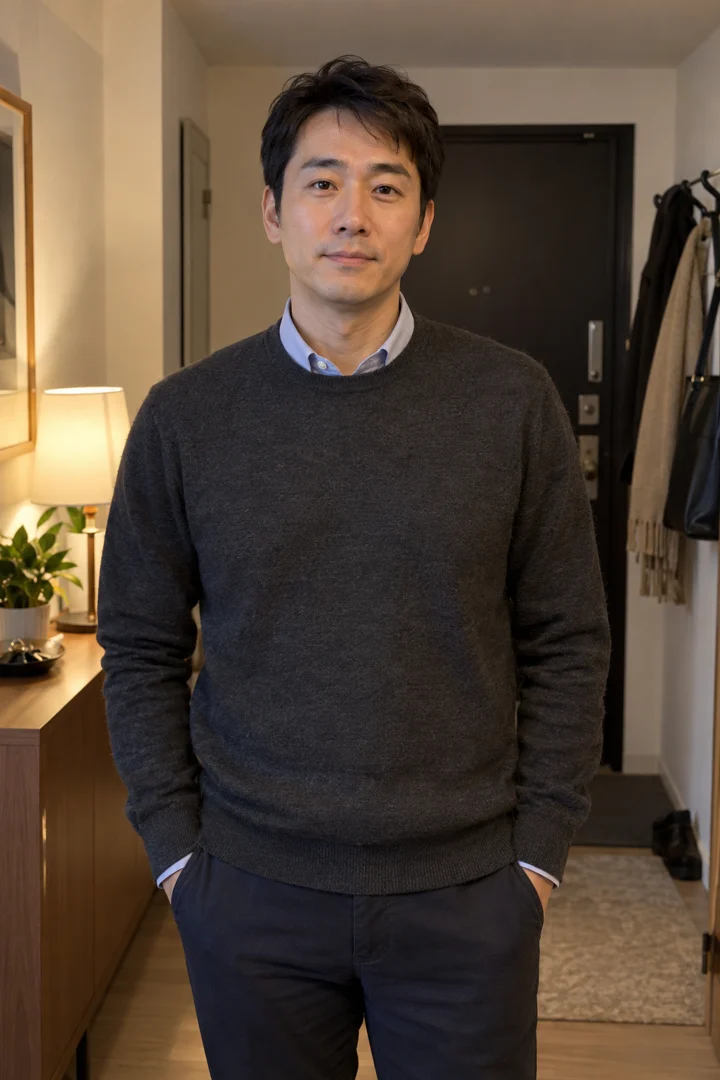
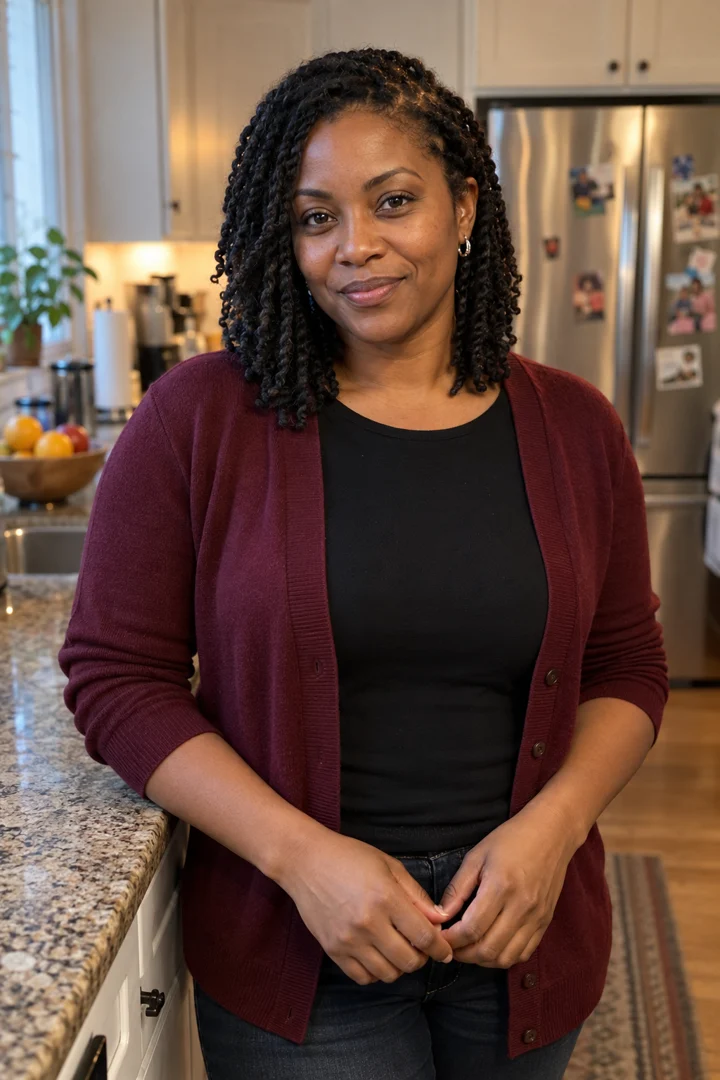
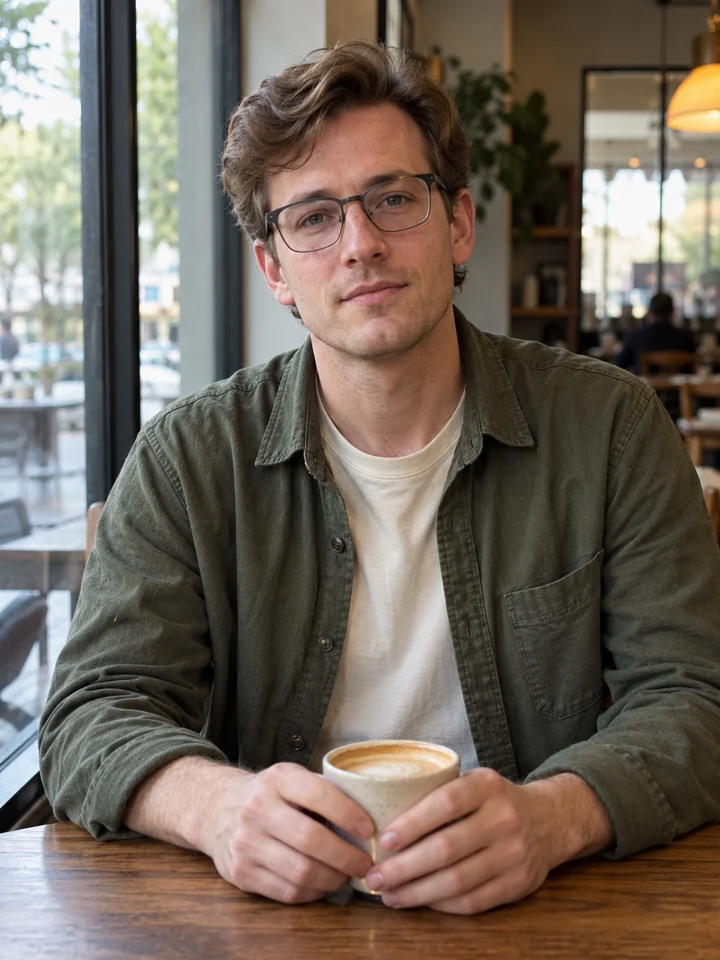
These exact left, center and right AI-generated reference photos produced the 14.87-second Beijing result below.

Input photos

The exact trio used
Left performer reference
Left
Center performer reference
Center
Right performer reference
Right

Each photo keeps a fixed left, center or right role throughout the generation.

Generated result

Beijing night · 14.87 seconds

Generated Oct 27, 2026 · Seedance 2.0 Standard · 480p · 16:9 · Reference-guided

This is one real result. Faces, hands and timing may vary between generations. New paid videos are delivered at 720p.
How to Make a Gangnam Style AI Video

Add your subjects, choose a background, then download and post the finished video.

  1. 01

    Add the Center subject

    Choose one Center adult, pet or plush toy. Add optional Left and Right subjects when you want to control those roles.

  2. 02

    Set roles and generate

    Optionally add Left and Right subjects, choose Seoul, a preset or your own background, confirm permission and generate the video.

  3. 03

    Download and post your video

    Review faces, paws, hands and role order, download the MP4, then post it after checking the destination platform’s AI-content and music rules.

See photo requirements and result limits

Gangnam Style AI Video Pricing

Current one-time plan prices · No subscription

Current 720p capacity is one video for $9.99, two for $17.99, three for $24.99 or five for $39.99.

View full pricing and credit rules
Choose your video pack

Single · USD 9.99

22 credits · 1 HD 720p video · no subscription

By paying, you agree to our Terms. Unused-pack refund policy. Adult payer required.

Choose a one-time pack, return to the tool and complete secure PayPal checkout. Credits are added after payment is confirmed; there is no subscription or automatic renewal.

Generation and result rules

Before a generation can be submitted, the applicable credit-return and result-review rules are displayed.

Read the current Terms

Permissions and sharing

Before publishing, check the platform’s rules and the permissions needed for your intended use.

Why the Gangnam Style AI Video Trend Looks Different

This site follows the 2026 three-subject night-selfie format, not the original 2012 horse-riding choreography. Center, Right and Left take turns in close-up, and Center returns for the final shot. Each uploaded role can show a consenting adult, pet or plush toy.

This independent tool is not affiliated with PSY, YG Entertainment or an official music video. Use only photos you have permission to upload.

About this independent tool

Add your subjects

Gangnam Style AI Video Preset vs a General AI Video Tool

Use this preset when you want a fast three-person performance setup. Choose a general video tool when you need fully custom motion or framing. For the available inputs and controls, open the generator. For the current one-time pack options, view pricing.

Preset advantage

Gangnam Style AI Video

Input photos
1–3 photos
Role order
Fixed left, center and right roles
Motion and timing
Preset 15-second shot sequence
Background control
Seoul, four presets or a custom background
Prompt required
No long motion prompt required
Duration and aspect ratio
Fixed 15-second, 16:9 video
Lip sync and audio
Reference-guided mouth timing and attached reference audio
Best for
Making this group-performance format quickly
Known limitations
Identity, hands and timing may vary

Comparison

General AI video tool

Input photos
Input types and limits vary by tool
Role order
Role controls vary by tool
Motion and timing
Describe or build the action
Background control
Describe or build the setting
Prompt required
Usually requires a prompt or template
Duration and aspect ratio
Configure duration and format
Lip sync and audio
Audio controls and support vary by tool
Best for
Creating a more custom video
Known limitations
Limits depend on the selected model and workflow

How Photos Map to the Gangnam Style AI Video

Center is always required. Left and Right are optional; empty side roles use preset adults. Faces, fur, paws, hands and identity details can still shift between shots.

0.0–2.0s

Left + Center + Right together

2.0–4.9s

Center solo

4.9–8.4s

Right solo

8.4–12.3s

Left solo

12.3–15.0s

Center returns for the final shot

Lip sync and audio

A reference vocal guides mouth timing and rhythm, and the finished MP4 uses the reference clip audio. The tool does not clone the uploaded person’s voice. Generation or purchase does not grant rights to third-party music, recordings or performances, so check the rules of the platform where you plan to publish.

Add your subjects

Best Photos for a Gangnam Style AI Video

For better results, use a clear, evenly lit photo with one visible person. Your uploads guide the scene, but generated details can vary.

  • One consenting adult per photo
  • Face, hair and upper body clearly visible
  • Even lighting, without sunglasses or heavy beauty filters
See photo requirements and result limits

Before you upload

  • JPG, PNG, WebP or HEIC/HEIF, up to 10 MB per image. HEIC/HEIF photos convert to JPG in your browser.
  • One person per photo, with their face, hair & upper body visible.
  • Choose a sharp, evenly lit image. Avoid sunglasses, heavy filters & a covered face.
  • Include the clothing you want the tool to reference.
  • Use the same checklist for each optional companion photo.

You must be at least 18. Use your own photo or photos of consenting adults. Do not upload minors, celebrities or public figures.

Check the result

  • Check the face, hands & clothing during turns and when people cross the frame. Details can change between frames.
  • The model may reinterpret clothing or add details that were not visible in the uploaded photo.
  • Check that each uploaded companion appears in the intended role. AI may reinterpret people between shots.
  • Review faces, hands, role order, motion, background and mouth timing before publishing.

Gangnam Style AI Video Specifications

Length
15 seconds
Framing
16:9 landscape
Format
MP4
Resolution
720p default
Audio
Lip sync and audio
Watermark
No site-added watermark

Before you start

Gangnam Style AI Video FAQ

Is Gangnam Style AI Video free?

No. Photo setup and example playback are free, while creating a finished video requires credits. Choose a pack and complete secure PayPal checkout when you are ready to generate.

View pricing
Can I make a Gangnam Style AI video with one photo?

The Center photo is required. Left and Right are optional and use preset adults when empty. Every uploaded role can be an adult, pet or plush toy.

See photo requirements
How much does one video cost?

720p plans start at $9.99 for one video, $17.99 for two, $24.99 for three or $39.99 for five. Credits are added after secure PayPal checkout is confirmed.

View pricing
Which photo appears in each solo shot?

The center person takes the first solo, followed by the right person and then the left person. The center person returns for the final shot.

Does the video include sound and lip sync?

Yes. A reference vocal guides mouth timing and rhythm, and the finished MP4 uses the reference clip audio. The tool does not clone the uploaded person’s voice, and it does not grant rights to third-party music or recordings.

Is this the original Gangnam Style horse dance?

No. This tool follows a 2026 three-person night-selfie format with a group opening, solo close-ups and a center-person finale, not the original 2012 horse-riding choreography.

What happens if I upload only two people?

The missing left or right position uses a preset adult. The center position is always required.

What photos work best?

Use one subject per photo in even light. For adults, show the face and upper body. For pets, show the face, full body, legs and tail. Avoid filters, covered faces and group photos.

See photo requirements
What happens to my uploaded photos?

Selecting a file alone does not upload it. Photos are uploaded only when you continue with an action that explicitly requires upload. Uploaded setup files carry a 24-hour expiry and are removed by scheduled cleanup; a delayed or failed cleanup can extend actual storage until a later retry. When you submit a generation task, the separate task and provider retention rules shown in the Privacy Policy apply.

Read the Privacy Policy
Can I publish the video or use it commercially?

Only if you have the necessary rights. Use permitted adult photos and follow the destination platform’s AI-content and music rules. Buying credits does not license third-party music, recordings, performances, footage or likenesses.

Read the terms of service
What if generation fails or the result looks wrong?

Before a generation can be submitted, the applicable credit-return and result-review rules are displayed. AI results can vary, so always review the finished file before sharing it.

Review quality credit rules

Make Your Gangnam Style AI Video

Choose one center photo, optionally add left and right friends, then select Seoul, one of four funny scenes or your own background.

Review your setup and current pack options before continuing.